 Nenyoo
 Compacts
Red Asbo
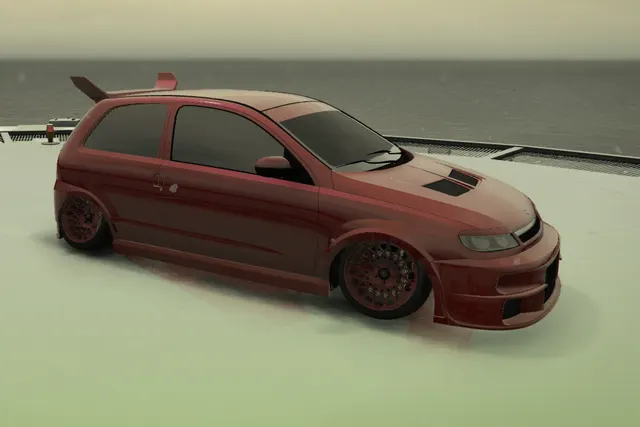
A deep red hatchback with dark wheels, a roof spoiler and a vented hood, photographed from two angles.
View preset & screenshotsGTA V VEHICLE PRESET
An interior-focused vehicle preset with small photographs and hanging details visible around the windscreen.
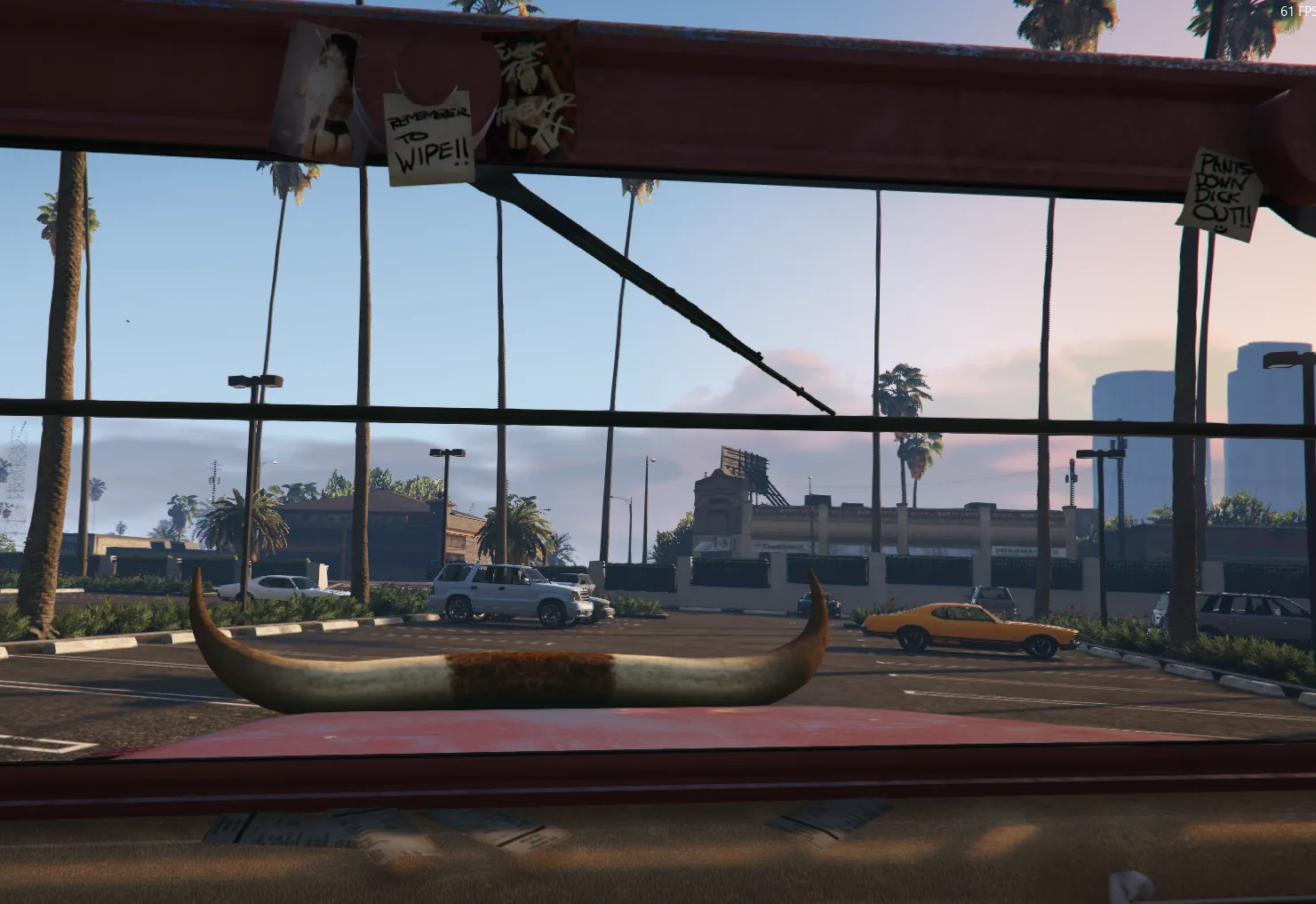
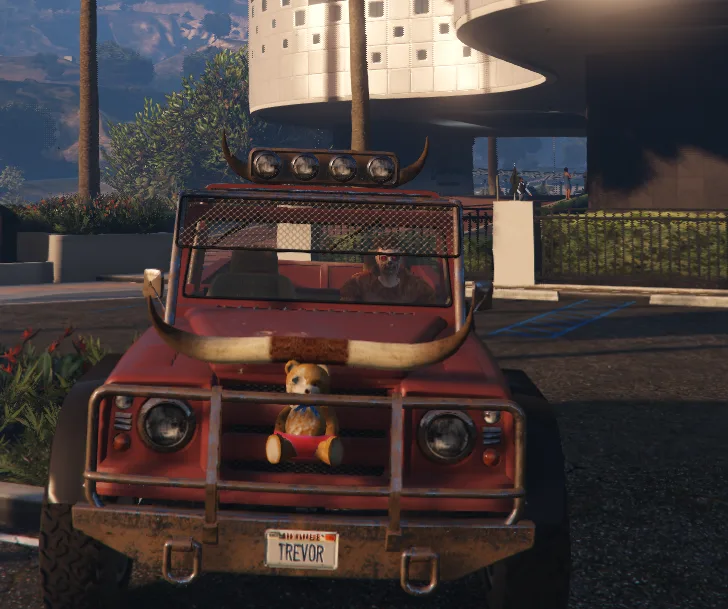
Two original screenshots show the interior treatment. The archive indexes this JSON file under the Canis Bodhi; compare the cabin view rather than choosing only by the exterior model.
The source file is trevors_car_pictures_and_teddy_b.json, retained from Vehicles/C512/trevors_car_pictures_and_teddy_b/trevors_car_pictures_and_teddy_b.json. The model and attachment information above reproduce the catalog metadata; the screenshots show the source presentation.
trevors_car_pictures_and_teddy_b.json and its .json extension. Changing the extension does not convert the file.%LOCALAPPDATA%\Nenyoo\Plus\Vehicles You can also use Saved Vehicles → Open Folder in the menu.If the file does not appear, check its folder and extension, then reopen the saved list. If it fails to load, keep the original file and collect the relevant log for support.
CompactsA deep red hatchback with dark wheels, a roof spoiler and a vented hood, photographed from two angles.
View preset & screenshots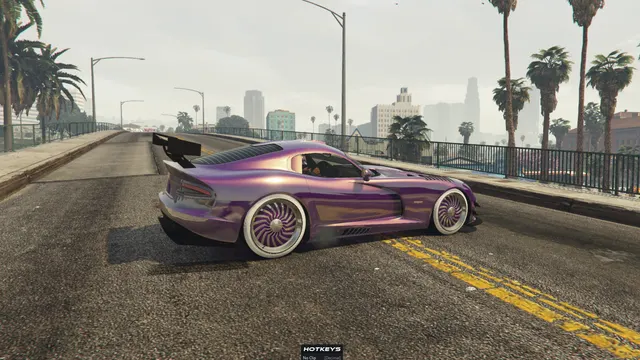 Sports
A purple Banshee GTS with a large rear wing and bright multi-spoke wheels, shown outdoors in two original previews.
View preset & screenshots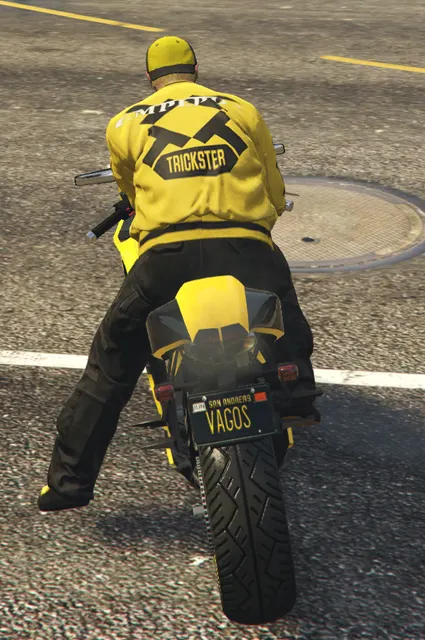 Motorcycles
A yellow motorcycle-and-rider scene viewed from behind, supplied with four original screenshots.
View preset & screenshots