 Nenyoo
 9 attachments
ADDER
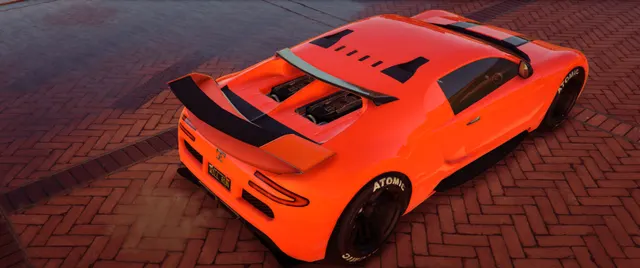
A bright orange supercar with dark contrasting details, supplied with seven original preview images.
View preset & screenshotsGTA V VEHICLE PRESET
A white box truck with a yellow stripe, shown in a nighttime scene across four original screenshots.
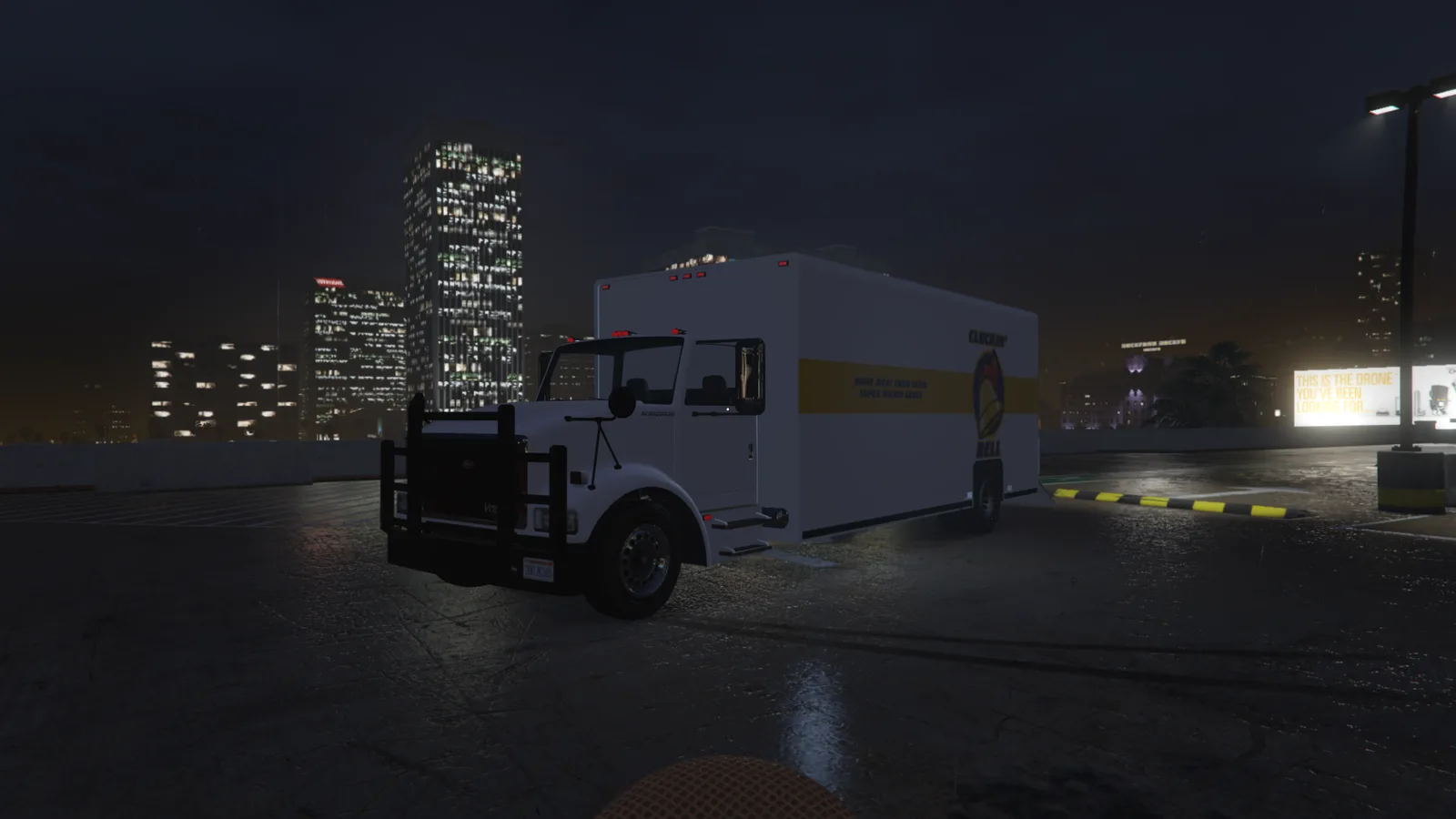
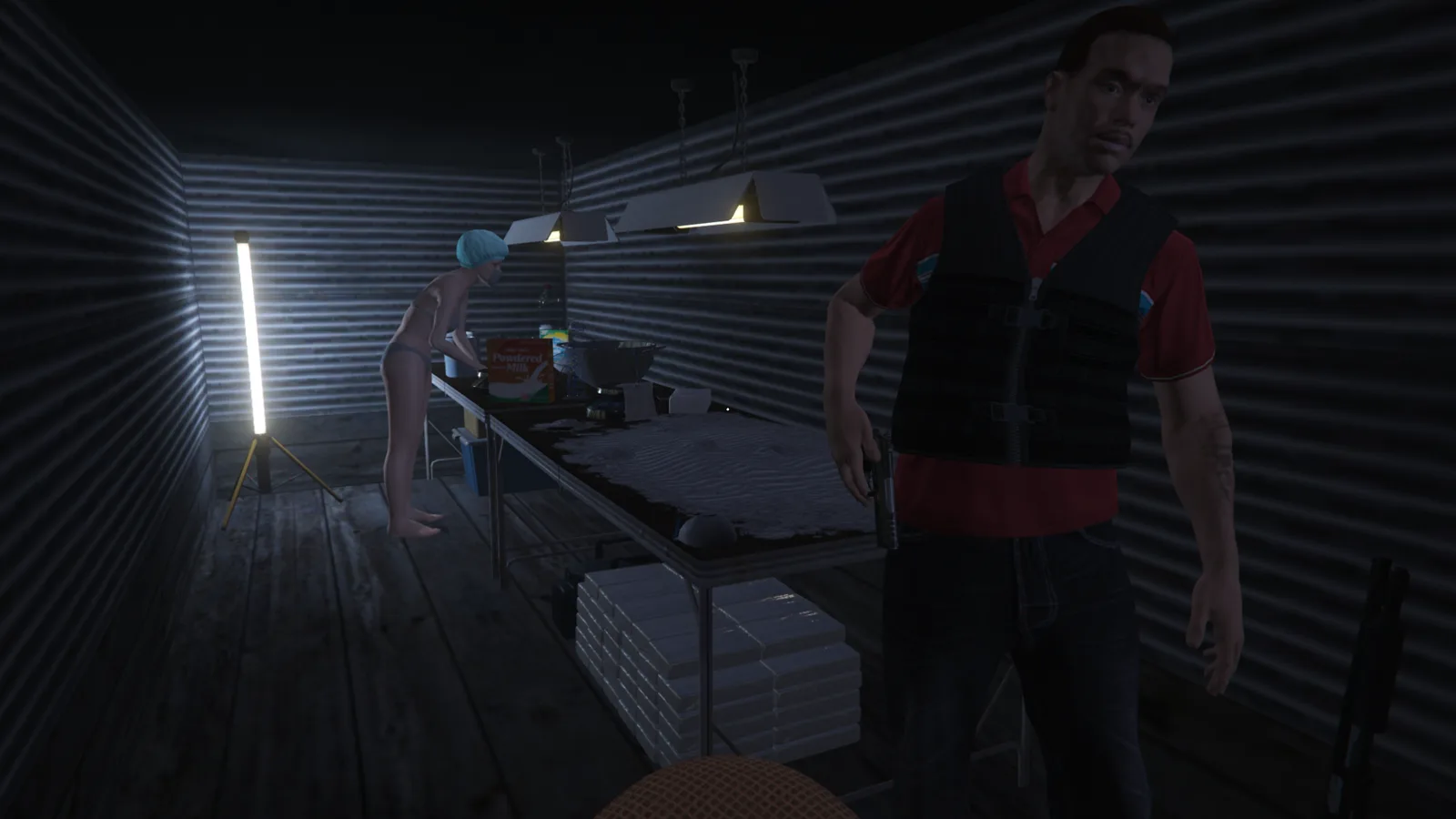
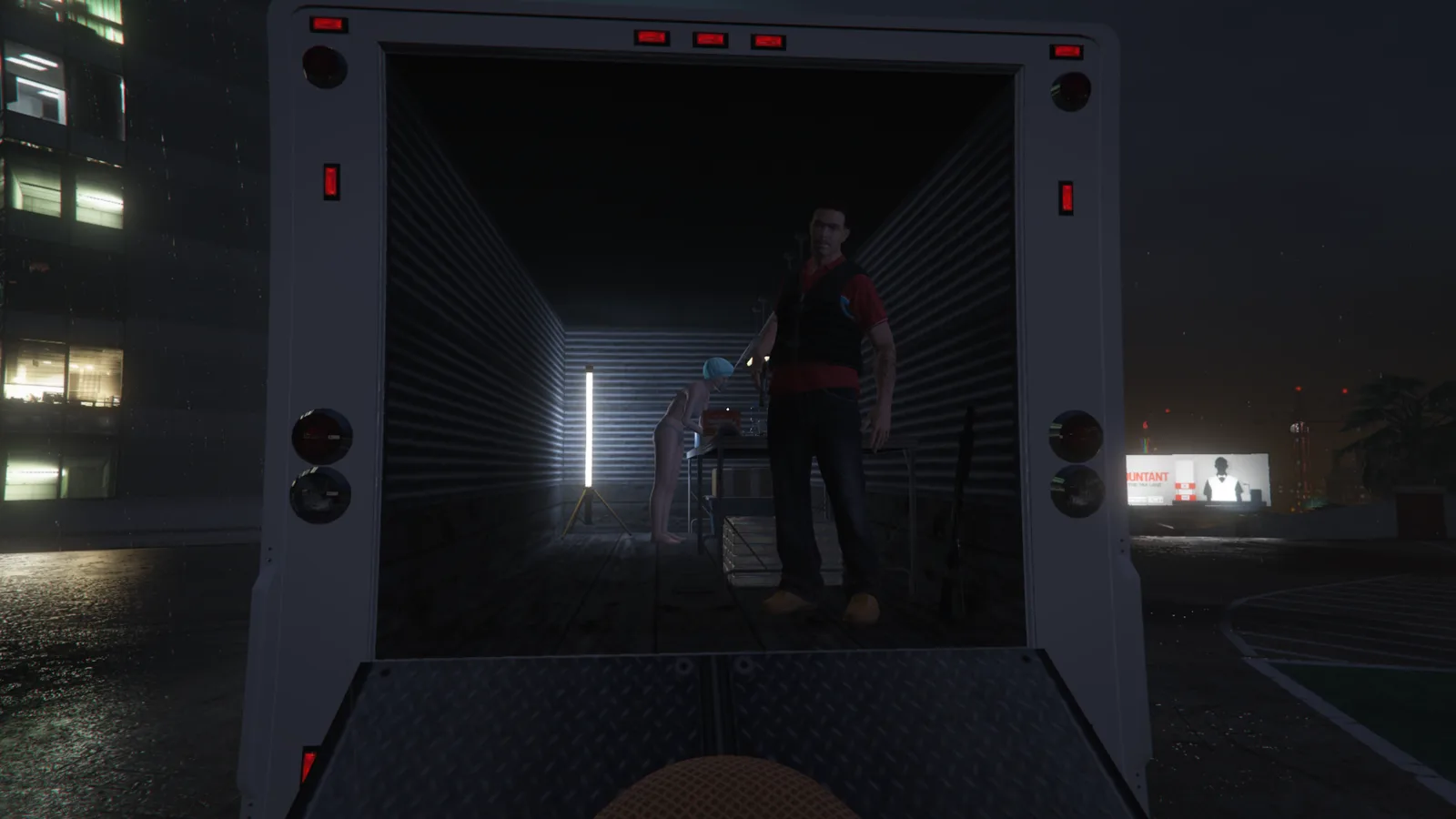
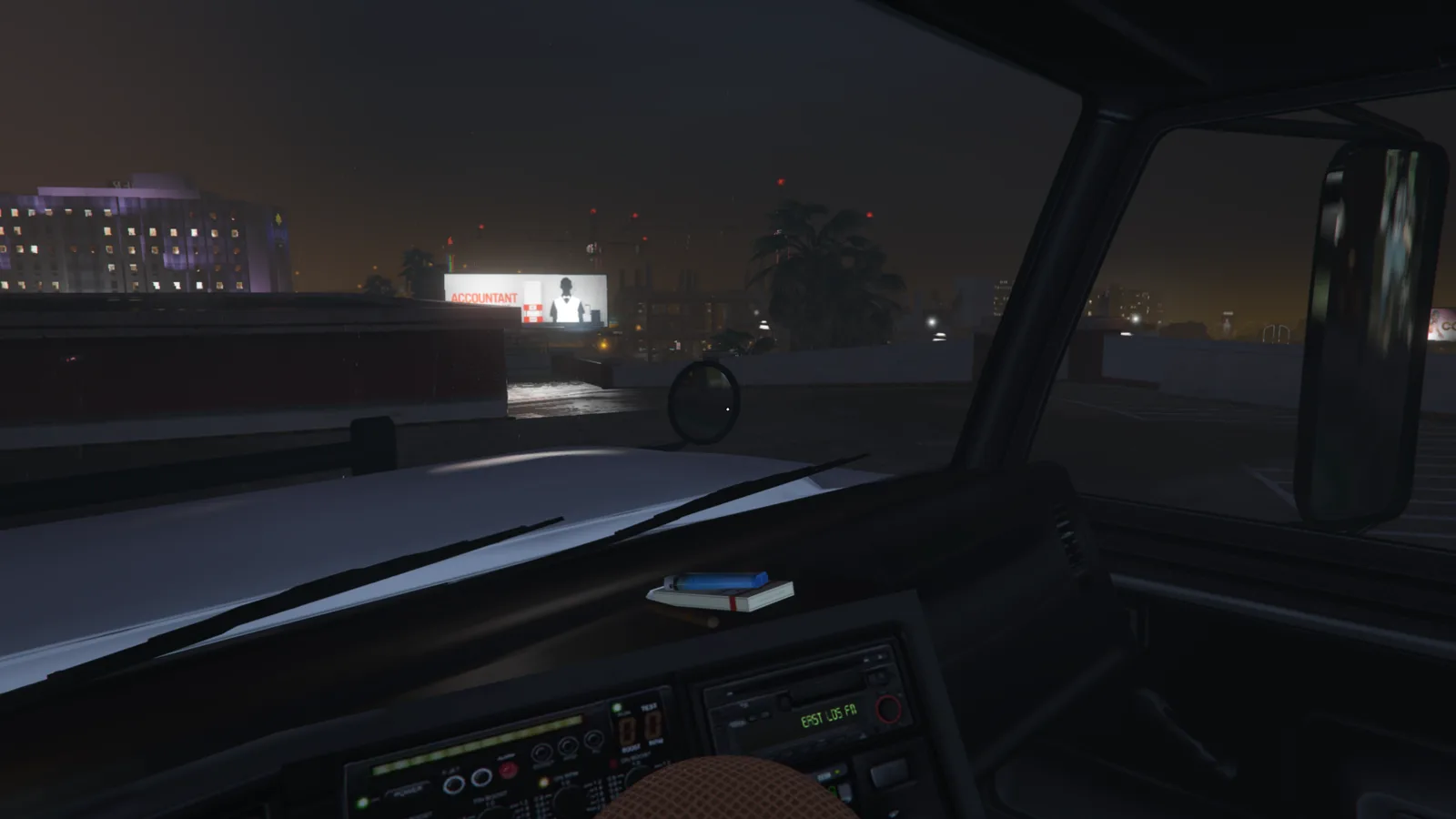
The catalog records 25 attached entities. Its indexed base-model label differs from the vehicle named in the title, so use the screenshots and original file to identify the build.
The source file is Benson_Cluckin_Bell.json, retained from Vehicles/S512/Benson_Cluckin_Bell/Benson_Cluckin_Bell.json. The model and attachment information above reproduce the catalog metadata; the screenshots show the source presentation.
Benson_Cluckin_Bell.json and its .json extension. Changing the extension does not convert the file.%LOCALAPPDATA%\Nenyoo\Plus\Vehicles You can also use Saved Vehicles → Open Folder in the menu.If the file does not appear, check its folder and extension, then reopen the saved list. If it fails to load, keep the original file and collect the relevant log for support.
9 attachmentsA bright orange supercar with dark contrasting details, supplied with seven original preview images.
View preset & screenshots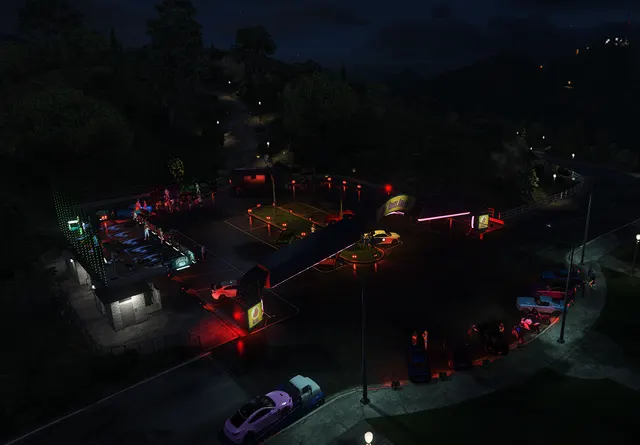 230 attachments
A car meet scene photographed at night, with parked vehicles, lighting and an elevated view of the gathering.
View preset & screenshots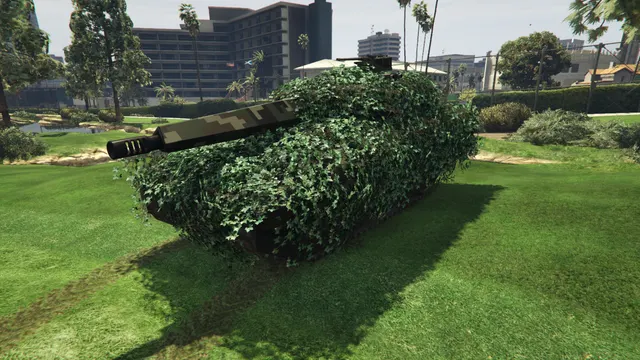 31 attachments
A tracked vehicle covered in leafy camouflage, photographed on a grass lawn in three original source previews.
View preset & screenshots