 Nenyoo
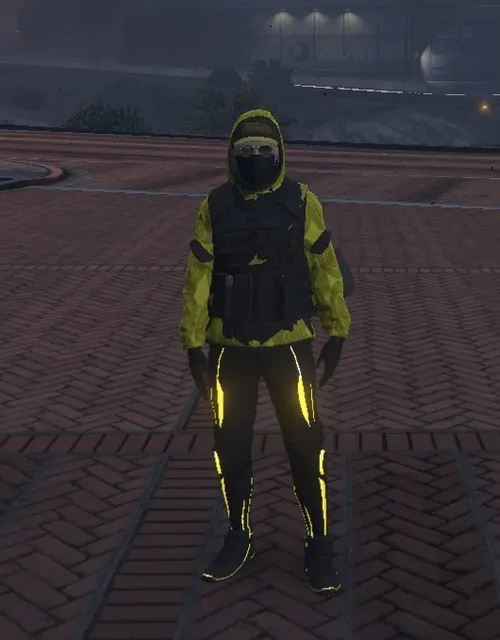 Freemode female
Golden Outfit
A female freemode outfit combining bright yellow clothing accents, dark protective-looking layers and a face covering.
View preset & screenshotsGTA V OUTFIT PRESET
A male freemode outfit with a dark short-sleeved top, dark shorts, light shoes and a cap, photographed in daylight.
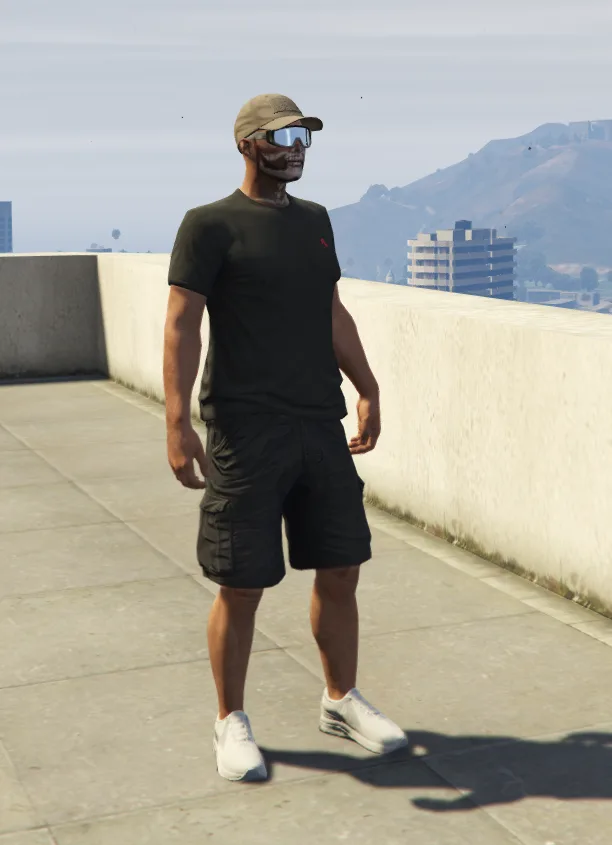
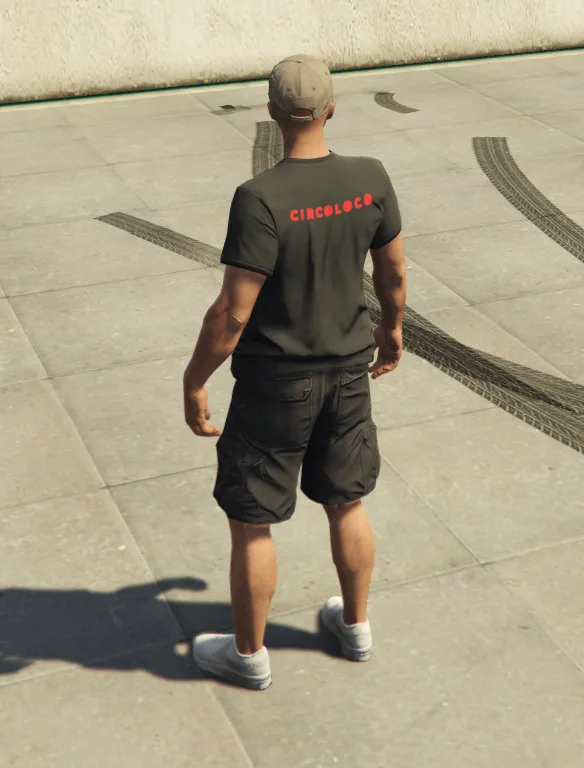
The source JSON preset includes two original screenshots. It offers a simple clothing comparison alongside the more elaborate masked and tactical-style looks in this collection.
The source file is Casual.json, retained from Outfits/C512/Casual/Casual.json. The model and attachment information above reproduce the catalog metadata; the screenshots show the source presentation.
Casual.json and its .json extension. Changing the extension does not convert the file.%LOCALAPPDATA%\Nenyoo\Plus\OutfitsIf the file does not appear, check its folder and extension, then reopen the saved list. If it fails to load, keep the original file and collect the relevant log for support.
Freemode femaleA female freemode outfit combining bright yellow clothing accents, dark protective-looking layers and a face covering.
View preset & screenshots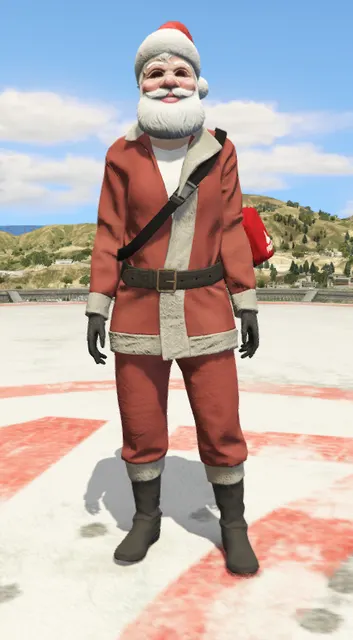 Freemode female
A red festive outfit with a pale trim and a Santa-style hat, photographed outdoors in daylight.
View preset & screenshots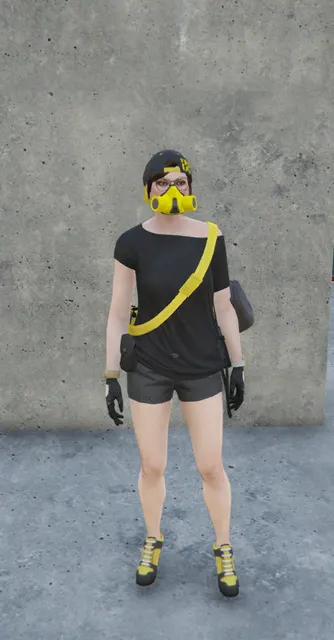 Freemode female
A female freemode look with a black shirt and yellow diagonal accent, dark shorts, a cap and matching yellow footwear.
View preset & screenshots